

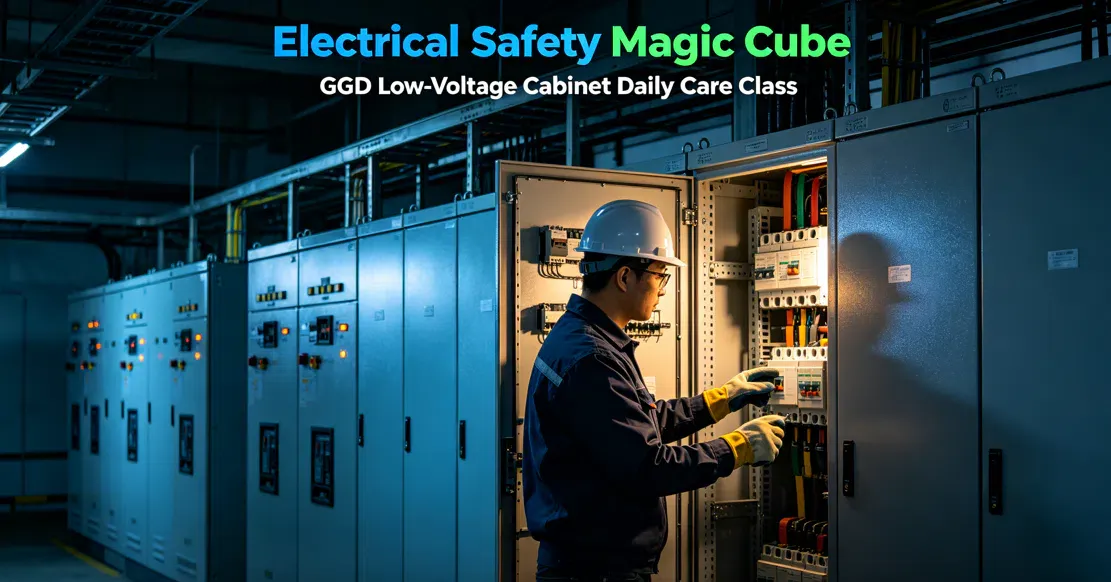
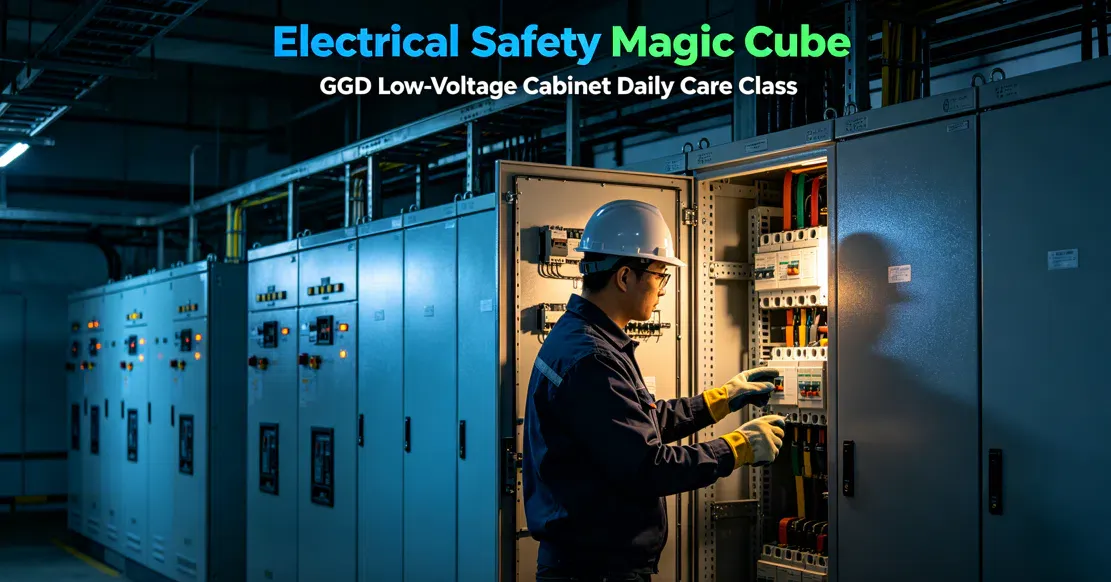
GGD low-voltage fixed switchgear cabinets are the "veterans" of the substation room, known for being rugged, durable, and having good heat dissipation. The core of daily maintenance can be summed up in one sentence: closely monitor the temperature of connection points and tighten every bolt. Because there are no drawer-type plug-in units for isolation, the failure points are mainly concentrated at terminal blocks and busbar connections. During inspections, special attention should be paid to "heat" and "abnormal sounds."
I. Understanding GGD: It Is Not a Drawer Cabinet
GGD is a fixed type, meaning that the circuit breakers and disconnect switches inside are firmly bolted to the cabinet frame, unlike MNS cabinets where components can be pulled out like drawers.
· Advantages: Simple structure, low cost, ample heat dissipation space, and fewer failure points (no complex secondary plug-in units).
· Disadvantages: Troubleshooting is troublesome; the entire cabinet must be de-energized for repairs; and the number of outgoing circuits is fewer than in drawer cabinets.
II. The "Iron Triangle" of Daily Inspections
Inspecting GGD cabinets mainly relies on looking, listening, and smelling, with a focus on those joint locations that are prone to heating.
1. Check Appearance and Instruments
o Instrument Readings: Check whether the ammeter and voltmeter readings are normal. If the current on one phase suddenly increases or decreases significantly, it may indicate load changes or an internal short circuit.
o Indicator Lights: Verify whether the running indicator lights (green/red) correspond to the actual status of the circuit breaker.
o Appearance Deformation: Observe whether the cabinet door is slightly bulging outward due to internal overheating, or whether the paint has discolored.
2. Listen to Sounds (The Most Critical Diagnostic Tool)
o Normal: A steady "hum" of electromagnetic sound.
o Abnormal:
§ Buzzing sound: Usually caused by loose screws leading to poor contact, or by discharge from dirty insulator surfaces. This is the most dangerous signal and can easily cause fires.
§ Crackling sound: May indicate internal component breakdown or a severe short circuit.
§ Vibrating sound: May indicate a loose electromagnetic coil inside the circuit breaker.
3. Smell for Odors
o If you smell a burning odor or scorched plastic smell, it indicates that insulating materials inside have overheated and melted. Immediate power-off inspection is required.
III. Core of Maintenance: Preventing "Heat" and "Looseness"
The biggest enemy of GGD cabinets is heating caused by excessive contact resistance. Since all components are fixed, once bolts loosen and heat cannot be dissipated, the equipment will burn out.
1. Infrared Temperature Measurement (Highly Recommended)
o Regularly use an infrared thermometer to scan busbar connections, circuit breaker terminals (both incoming and outgoing), and cable joints.
o Warning Limit: The temperature difference between the joint and the ambient temperature (temperature rise) should not exceed 60K (i.e., when ambient temperature is 30°C, the joint should not exceed 90°C). If one point is noticeably hotter than others, it indicates poor contact.
2. Tightening Bolts (Annual Maintenance Focus)
o Thermal Expansion/Contraction Effect: Copper busbars and bolts have different coefficients of thermal expansion. After long-term operation, bolts can become loose.
o Torque Wrench: During annual planned maintenance, a torque wrench must be used to tighten all busbar connection bolts. Tightening by feel is inaccurate; over-tightening will crush the washers, while under-tightening will cause heating.
3. Dust Removal
o GGD cabinets typically have metal mesh doors, so dust can easily enter. Excessive dust accumulation can cause tracking (current creeping along dust surfaces), leading to short circuits.
o After power-off, use dry compressed air (0.2–0.5 MPa) to blow out the dust, or use a vacuum cleaner. It is strictly prohibited to wipe with a wet cloth while energized!
IV. Common Fault Quick Reference Table
Fault Phenomenon | Possible Causes | Handling Suggestions |
|---|---|---|
Circuit breaker cannot close | Undervoltage coil de-energized, mechanical interlock stuck, release not reset | Check control power supply voltage; manually press the reset button; check if the trip lock is released. |
Sudden tripping during operation | Overload, short circuit, undervoltage | Check the fault indicator on the circuit breaker panel (overload light or short circuit light); restore power only after clearing the fault. |
Arcing at busbars or joints | Loose screws, damaged insulating barriers, small animals entering | Immediately cut off power; re-tighten bolts and apply conductive paste; replace damaged barriers; install rodent-proof baffles. |
Excessive humidity/condensation inside the cabinet | Damp environment, heater failure | Check the temperature and humidity controller and heater; strengthen ventilation during the rainy season. |
V. Safety Operation Red Lines
1. Strictly Prohibit Opening/Closing Disconnect Switches Under Load: The disconnect switches (fuse-switch units) in GGD cabinets do not have arc chutes. If forcibly opened while energized, a huge arc will be generated that can burn personnel. The circuit breaker must be opened first!
2. Voltage Verification and Grounding: During power-off maintenance, a grounding wire must be connected on the outgoing side. Because there are usually cables at the back of GGD cabinets, even after power is cut off, residual charge may remain in the cables.
3. Prevent Small Animals: There are many cases of rodents entering GGD cabinets and biting through cable insulation, causing short circuits. Always close the door when entering or leaving the high-voltage room, and seal gaps at the bottom of the cabinets with fire-stop putty.